
888WIN
888win.autos4.9/5
Visit portal ↗Want to explore the platform on your phone? Start by checking the access path and the environment that will open.
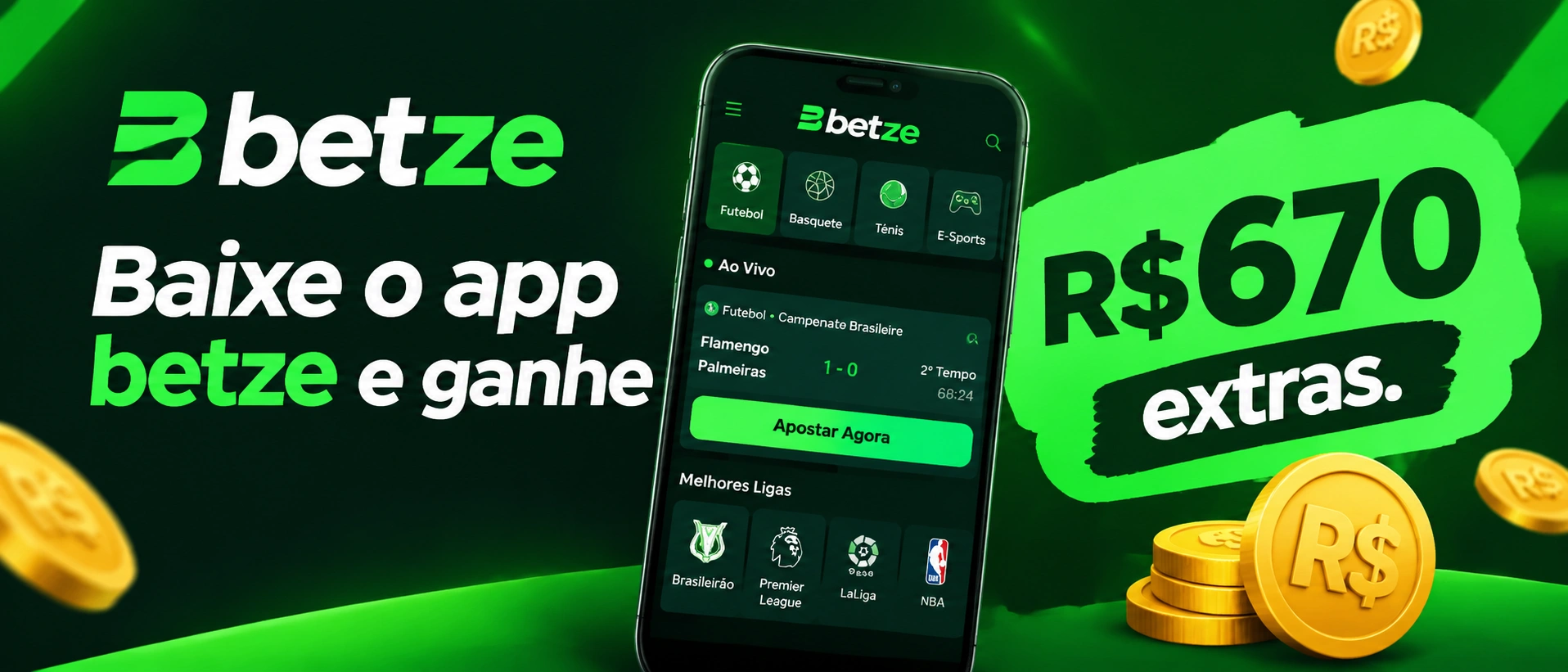
The BETZE mobile page brings together questions about the browser, any app, and account care. We do not offer our own installer or assume there is a version for every device. The sign-up button takes you to the indicated destination, where you can check the current options and choose the appropriate access method for your device.
Use the access button and check the address before entering any data. BETZE public pages remain available to read without installation.
Check at the destination whether there is a compatible app or mobile browsing. Do not look for an unknown installer to replace an option that was not presented.
Read permissions, check values, and end the session on shared devices. Only sign up after you recognize the environment and understand the steps requested.
BETZE content can be read in the browser. To use external platform features, open the indicated access and check on the destination itself whether there is an app or another mobile option. Before installing any file, verify the source, compatibility, and requested permissions. Do not share your password to get help.
A site adapted for mobile and an installed app are different access methods. The existence of one does not prove the availability of the other. Before looking for a file, see what the destination platform officially presents. If it offers only browser access for your device, there is no reason to look for an installer from an unknown source. The decision should come from the information available, not from an expectation created by the page name.
In the browser, you can check the address, adjust the view, and use the features offered by the system itself. In an app, there may be additional installation and update steps. BETZE does not claim that one method is always better. Compare what you need to do with what the destination actually provides. If your goal is only to read the guides, the portal does not require sign-up or download to access the public pages.
When you tap an access button, notice the change of environment. BETZE sign-up links direct you to the indicated external platform. Before entering credentials or personal data, check the address shown by the browser and the page that opened. This attention is important when you arrive via messages, ads, or old shortcuts, because similar names and images can appear in different contexts.
Avoid following instructions that ask for a password, authentication code, or remote access to the device as a condition for explaining a simple question. Legitimate platform support should be found through the channels presented on the destination itself. If an unexpected page appears, stop the process and review the path used. You do not need to complete a sign-up just because you started the form. The ability to go back and check information is part of careful browsing.
A download option needs to be linked to the service you intend to use. Check the instructions at the indicated destination and see where the link leads. Do not treat a file received in a messaging group or on an unidentified page as equivalent to the option presented by the platform. The name of an app and the design of an icon alone do not prove its origin.
Read the system warnings during installation. If there is a request to change settings, understand the reason before proceeding. This page does not instruct you to disable protections to install an unknown file. If compatibility or origin remains uncertain, prefer to continue your research and seek clarification through the service channel. Access to an offer does not justify handing over control of the device or ignoring messages you did not understand.
Apps and pages may request permissions for certain features. Each request must be assessed in the context of the function you want to use. A permission should not be granted out of habit just to close a message. Read the permission name, consider the effect, and look for the explanation offered by the service. If it does not make sense for the intended action, stop the step until you get an answer.
It is also worth reviewing permissions already granted in the device or browser settings. The path varies by system, so this page does not present a universal sequence of screens. Keep the distinction between portal permissions and external platform permissions. When you leave BETZE, you start interacting with another environment. The privacy and usage information for that destination must be checked there, without assuming it is the same as the editorial content.
On a phone, the closeness of buttons can make it easier to select something unintentionally. Before taking part in a game or market, check whether the labels are readable and whether the total amount can be reviewed. Adjusting the screen orientation or using a device with more space can help when the service allows it. If the view remains confusing, leave the action for another time instead of confirming by trial.
Live broadcasts require extra attention to connection and pace. A call, a notification, or switching apps can interrupt following along. Check the destination rules about sessions and records before you start. If the image freezes, do not automatically infer the status of a participation. Check the confirmation and history, when available, and avoid repeating actions until you know what was recorded.
Using a borrowed phone or shared equipment calls for care with saved credentials and open sessions. When you finish, end the session through the platform feature and check that the account is no longer accessible. Avoid saving passwords on devices that are not under your control. Also consider what may appear in notifications and recent page views, especially when personal information is on the screen.
On your device, use the lock and update features offered by the system. If the platform provides additional protection mechanisms, read how they work before enabling them. Do not share codes received to confirm access. If you suspect misuse, look for the recovery procedure and the destination service channel. BETZE does not manage accounts and cannot reset credentials on another platform.
Good mobile preparation ends with a simple decision: do you know which environment you are using, how you got there, and what information will be requested? If the answer is still uncertain, keep reading before filling out a form. The portal brings together categories and articles so research can happen at your own pace. Access on your phone should make understanding easier, not reduce the time available to check an important condition.
When you are ready, sign up on the indicated platform and learn about the options presented for your device. The real bonuses reported by the responsible party are in the range of R$ 88 to R$ 999.999, with conditions to be checked in the corresponding campaign. We do not assume an app-only bonus, universal compatibility, or mandatory installation. Choose the available access method, keep your leisure limits, and pay attention to each confirmation.
| Question | What to compare | Where to check |
|---|---|---|
| Is there an app for my device? | Availability and compatibility | Information at the indicated destination |
| Where does the file come from? | Service origin and identification | Link presented by the platform |
| Why is permission requested? | Function and effect of authorization | System explanation and settings |
| Can I review the action? | Readability, value, and confirmation | Screen before completing participation |
This page does not provide its own installer. It directs you to check the options presented by the external platform. If there is a download, verify the source, compatibility, and instructions at the destination.
No. The portal's editorial content can be accessed through the browser. Any app installation concerns the resources offered by the external service, not reading BETZE pages.
Do not share codes or passwords to receive guidance. Find the support channel on the platform and follow the formal procedure. BETZE does not manage accounts or recover destination credentials.
No condition of this type was provided for this page. The reported range of real bonuses is R$ 88 to R$ 999.999. Check the campaign shown on the platform without assuming an additional benefit for installing an app.
Promotional ranking of the network. Ratings from 4.5 to 4.9 are set by the portal for promotion; they are not user reviews or an independent comparison.